Superpower Ragdoll Physics Controls
Practical habits for movement, camera, power activation, and chaos on every supported platform.
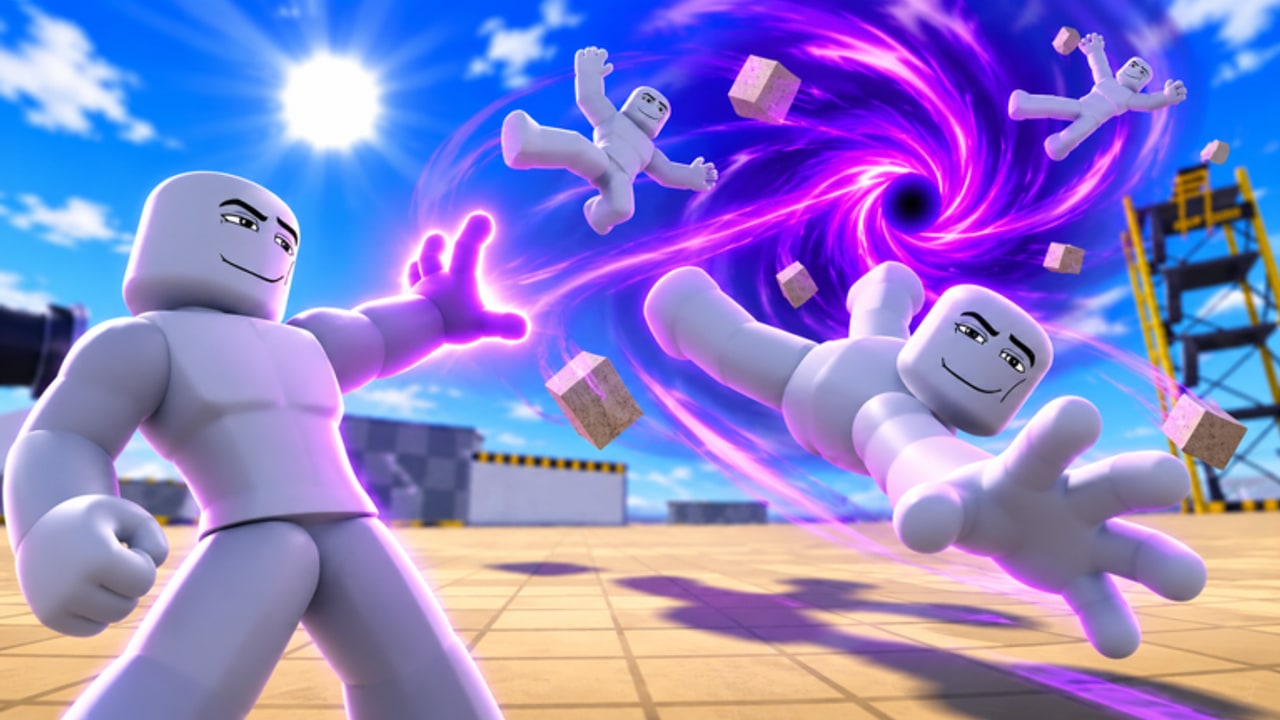
Superpower Ragdoll Physics is a physics-first sandbox. Buttons matter, but habits matter more: where you stand before a cast, how you aim the camera through a crowd, and when you stop firing so you can see the ragdoll reaction. This controls guide covers PC, phone, console, and VR expectations for a Roblox experience that supports all four. Exact keybinds and UI labels can change after patches—treat the sections below as durable practice, then confirm prompts in your current build.
If you have not finished the first-session loop, skim Getting Started first. Power identity details live in the Powers Guide. Party invites and roster talk belong on Players.
Shared habits on every platform
Before platform specifics, lock these habits:
- Plant, cast, observe. Take one controlled step or plant your feet, activate a power, then watch the body react. Mashing hides whether you got a shove, an x-ray hit, or a full launch.
- Aim with the camera, not only the reticle fantasy. Many sandbox powers follow look direction. Keep the subject centered when learning, then practice leading moving targets.
- Separate mobility from damage. Web swing, flight-style movement, and giant mode change your position; laser eyes, thunder clap, meteor strike, and nuke change the battlefield. Do not confuse the two when you panic.
- Leave an exit. After a tornado or nuke, be ready to move. World events and villains punish players who admire their own crater.
- Call targets in four-player servers. Voice or text a single priority so four people do not split every ragdoll in different directions.
PC — keyboard and mouse
On PC, expect standard Roblox locomotion as your baseline: WASD or arrow keys to move, Space to jump, and mouse look to aim. Sprint may follow your Roblox client settings. Use short strafes around crowds instead of long straight sprints that overshoot a telekinesis grab.
Practical PC loop:
- Keep frequently used powers on easy hotbar slots.
- Bind or remember the menu and emote keys you actually need; hide the rest mentally.
- When grabbing with telekinesis-style tools, approach from a clear camera angle so props do not eat your cursor.
- For beam powers such as laser eyes, track horizontally first, then add vertical lead for jumping targets.
- For splash powers such as thunder clap, meteor strike, or nuke, step into open space so self-blast and friendly fire are readable.
If the UI offers a free cursor toggle, use it for menu work, then return to camera look before combat. Do not open three menus mid-scenario unless your team is resetting.
Mobile — touch aim and thumb discipline
Mobile play is fully supported, but thumb clutter is real. Keep movement on one thumb and treat the other as aim plus power activation. Zoom out slightly when crowds densify so you can see launch arcs. Prefer powers with forgiving aim cones—thunder clap, tornado, time stop setups—when your hands are cold or the bus is bumpy; save precision laser work for stable sessions.
Mobile tips that save runs:
- Recenter the camera after every big ragdoll launch so you do not fight inverted perspective.
- Avoid covering the fire button with the same thumb that just dragged a huge look gesture.
- When web swinging, tap mobility in short bursts; continuous wild swings make landings harder on a small screen.
- If a world event fills the sky (shark rain, airstrike, bee swarm), lower graphical distractions if your device struggles, then prioritize cover over cinematic camera spins.
Console — sticks, triggers, and readable prioritization
Controller players should think in prioritization layers. Left stick moves, right stick aims, face buttons handle jump and contextual actions, and triggers or bumpers usually carry attack and alternate power fires depending on the current Roblox mapping. Because UI can shift, learn the on-screen legend in a quiet map such as the clean white room before you enter a frontline scenario.
Console habits:
- Lower look sensitivity one notch while learning telekinesis throws, then raise it once tracking feels natural.
- Use crouch or careful strafe (if available) to stabilize aim before laser eyes or meteor call-ins.
- Hold a consistent “utility” slot for time stop or grab tools so muscle memory survives map changes.
- In four-player lobbies, assign who watches the objective while others freely ragdoll—controllers make accidental objective wandering easy.
VR — presence, comfort, and physical aim
VR is supported and sells the fantasy hard: you are inside the punch. Comfort settings matter. Start with teleport or comfortable locomotion if full smooth movement makes you queasy, then graduate. Point your head and hands deliberately; wild arm flails look funny but teach little about physics consistency.
VR-focused advice:
- Practice telekinesis and throw arcs at half intensity before you attempt stadium-scale launches.
- Keep sessions shorter at first; physics sandboxes invite overplay.
- Use giant mode carefully—scale changes can break your sense of distance.
- When a T-Rex rampage or tsunami event hits, prioritize comfort turns toward cover instead of spinning in place to watch the spectacle.
Power activation patterns that transfer across devices
Regardless of input device, group powers by how you activate them:
- Point and hold tools (laser eyes) reward stable tracking.
- Pulse tools (thunder clap) reward timing near a cluster.
- Grab and release tools (telekinesis) reward camera setup before the throw.
- Traversal tools (web swing) reward destination planning, not random swinging.
- Global or semi-global tools (time stop, tornado, meteor strike, nuke) reward pre-aiming a safe footing and a team callout.
Drill one pattern per minute in freeplay. That drill transfers to scenarios and world events better than reading a bind list twice.
Camera and readability
The game sells hits with x-ray flashes, doctor bandages, and graves. If your camera is inside a wall or buried in a particle storm, you miss the lesson. After every large ability, micro-adjust the camera to see the result. In the city, use street width; in the forest, fight for sky; in the stadium, use open turf; in the white room, enjoy the laboratory clarity.
Co-op control etiquette
On a four-player server, desync feelings often come from overlapping ultimates. Stagger nukes and meteors. Announce time stops. Do not web-swing through a teammate’s carefully aimed telekinesis line. If someone is learning on mobile while others play on PC, slow the first scenario and keep calls simple: “clap left,” “grab hostage,” “event sky.”
When the UI changes
Patches can move buttons, rename slots, or add prompts. When that happens, return to this habit list instead of memorizing yesterday’s screenshot. Re-verify movement, camera, primary fire, power swap, and menu in a quiet map, then resume chaos. Pair this page with Getting Started for onboarding and Powers for what each ability should feel like when your inputs are clean.
Clean inputs make funny physics funnier. That is the whole point.
Frequently Asked Questions
Quick answers to the most common questions.
Does Superpower Ragdoll Physics support mobile and VR?
Yes. The experience supports PC, phone, console, and VR. Exact prompts can change, so confirm the in-game legend on your device.
What is the most important control habit?
Plant or take one controlled step, cast, then watch the ragdoll reaction before casting again. Observation teaches more than mashing.
How should mobile players aim precision powers?
Stabilize the camera, use short aim adjustments, and prefer forgiving crowd tools when your device or hands are unstable.
Any console tips for four-player sessions?
Assign who watches objectives, stagger big splash powers, and keep a dedicated utility slot for grab or time-stop tools.
What should VR players do first?
Set comfort locomotion, practice throws at low intensity, and take breaks. Presence makes impacts stronger but also more fatiguing.